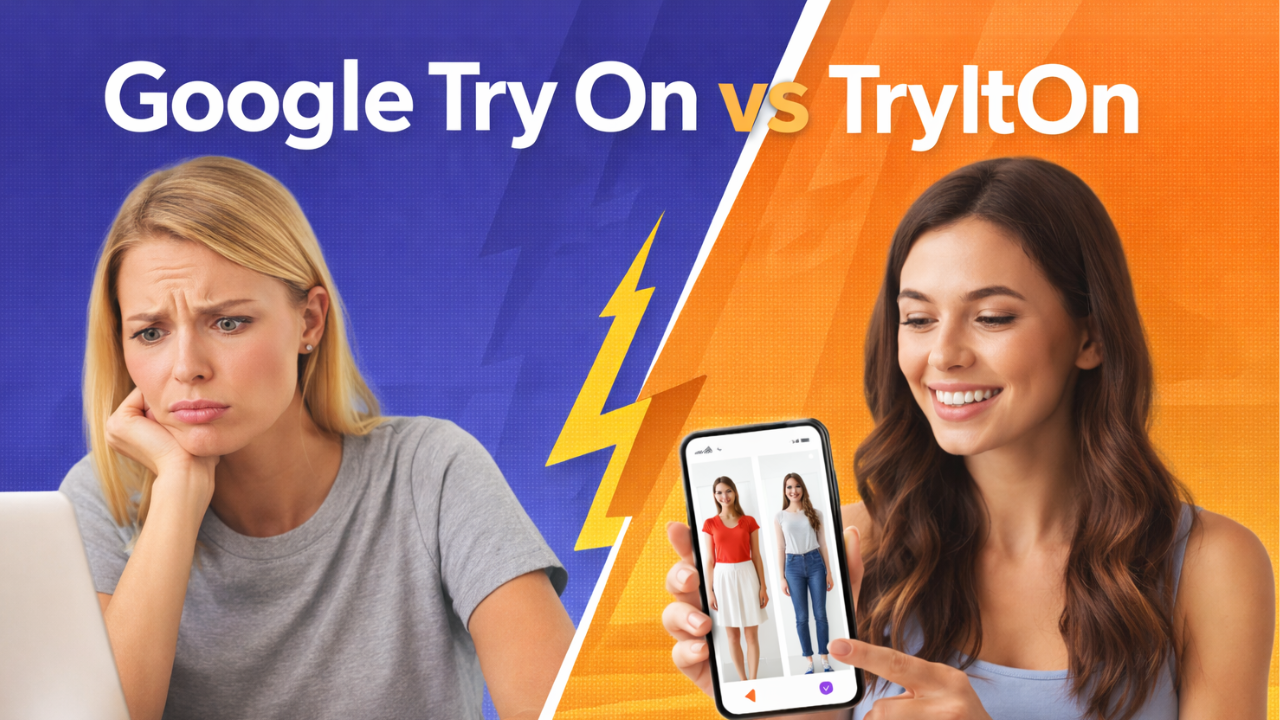
Google AI Try On: The Inspiration Behind TryItOn.now
I tried Google’s AI virtual clothing try-on feature on a random Tuesday night.
You know the kind of night. You’re not really shopping. You’re just “looking.” One google search for ‘stylish leather jackets for men’ opens up 10 different options on Google Shopping. The leather jackets looks incredible on the model. You hover. You hesitate.
Then you see it: “Try it on.”
Curiosity wins.
A few minutes later, I had a studio-style image of myself wearing the jacket. It was impressive. Clean. Polished. Surprisingly realistic.

As a Developer, I was impressed but also intrigued. I live in Germany and prefer shopping directly from the online store for different brands (Zalando is my go-to).
But Google’s new feature works only in Google Shopping. What about brand websites? What about trying on outfits online from any source?
I realized Google’s AI try on has a huge gap for shoppers like myself. And thus tryiton.now was born. I built TryItOn for the 76% of shoppers who shop directly on retail websites and want to try out clothes in just 4 clicks.

If you’ve searched for “Google virtual try on” or “Google try on clothes AI,” here’s what you should know before choosing one.
What Is Google AI Virtual Try On?
Google Try On is built into Google Shopping. It lets you upload a full-body photo and see how certain clothing items might look on you.
It’s powered by generative AI. In short:
- You upload a photo of yourself.
- Google maps the garment onto your body.
- It generates a new image showing you wearing that piece.
It works best with supported brands and categories – especially women’s tops and certain apparel listings within Google’s ecosystem.
The experience is fast. Seamless. Integrated. And importantly: free.
If you’re already shopping inside Google, it feels like a natural extension of the browsing process.
Where Google AI Try On Works Really Well
Let’s give credit where it’s due. Google Try On is excellent for:
- Quick previews while browsing
- Seeing how a single item fits your general shape
- Testing supported brand inventory
- Getting a polished, editorial-style image
- Reducing impulse purchases within Google Shopping
If you primarily shop through Google results and supported retailers, it’s a strong starting point. For casual shoppers, it removes friction.
But there’s a catch.
The Difference Between Google Try On & TryItOn
Google Try On is built into Google Shopping.
It works inside Google’s ecosystem, with supported products and retailers.
It is designed for:
- Previewing specific garments listed in Google Shopping
- Seeing how that one item might look on you
- Enhancing the shopping experience within Google’s product catalog & supported retailers
It is not designed to be a universal styling tool across any website. You cannot:
- Use it on just any website
- Try on clothing from smaller or independent brands unless they’re supported
- Upload random outfit images from anywhere and test them
- Change outfits in your own photos outside the Google Shopping flow
That’s where TryItOn operates differently.
TryItOn works across websites.
You can:
- Try clothes from almost any online store
- Upload a clothing image from anywhere and test it
- Change outfits inside your own photos
- Experiment freely without being locked into one retailer’s ecosystem
In other words:
Google Try On helps you preview a product inside Google.
TryItOn helps you experiment with style across the internet.
That distinction matters.
Because real online shopping doesn’t happen in one place anymore.
It happens across tabs. Across brands. Across random finds at 11:47pm. Across instagram inspirations.
And the more open the tool, the more useful it becomes.
The initial version of TryItOn is built for web browsing as a browser extension. We are also building a mobile app version launching soon.
Which One Should You Use?
It depends on how you shop.
If you:
- Browse primarily through Google
- Want quick previews
- Are testing a single supported item
Google Try On is convenient.
If you:
- Shop across different stores
- Build outfits rather than single-item purchases
- Want to compare multiple versions
- Frequently return items
- Care about how proportions actually land on you
TryItOn may give you more control.
Some people might even use both.
Google for initial discovery.
TryItOn for decision-making.
The Bigger Shift in Online Shopping
What’s interesting isn’t which tool is better.
It’s that we’re entering a world where guessing is becoming optional.
For years, online shopping meant:
- Trusting the model
- Ordering multiple sizes
- Hoping the return window stayed open
- Accepting that some purchases would fail
AI try-on tools – whether Google’s or independent ones – are quietly changing that.
The real question isn’t:
“Is Google Try On better than TryItOn?”
It’s:
“Do I still want to gamble when I don’t have to?”
If you’ve been searching for “Google virtual try on,” you’re already part of that shift.
And the fact that you’re comparing tools means you care about getting it right before you buy.
That alone puts you ahead of the average shopper.
Leave a Reply